

Ask a sales rep at most B2B tech companies where to find the latest case study for healthcare customers, and you’ll often get a shrug. It might be in a shared drive, an old email, a Slack thread or a folder called “Final_v3_NEW.”
When reps can’t find content quickly, they either send something outdated, create their own version or skip it entirely. All three hurt deals and waste the time marketing spent creating that content in the first place.
Here’s how our team helps tech companies build a sales content library that reps actually use.
Start with an honest audit
Before organizing anything, find out what you have. Gather sales content from shared drives, marketing tools, email attachments and personal folders. Typical assets include:
- Pitch decks and product overviews
- Case studies and customer stories
- One-pagers and solution briefs
- Competitive comparisons and battle cards
- Pricing sheets and proposal templates
- Security and compliance documents
- Demo videos and recorded webinars
For each item, note who created it, when it was last updated and whether it’s still accurate. You’ll likely find duplicates and outdated files. That’s normal.
Organize the way reps think
Marketing teams often organize content by type or by campaign. Reps think differently. They ask, “What do I send to this person, at this stage, in this industry?”
Organize your library around:
- Sales stage: early awareness, discovery, evaluation, proposal and onboarding
- Persona: IT leader, security lead, finance, operations
- Industry: healthcare, finance, retail and so on
- Product or solution
Most document tools and sales enablement platforms let you tag content so one asset can appear under several categories without copying it.
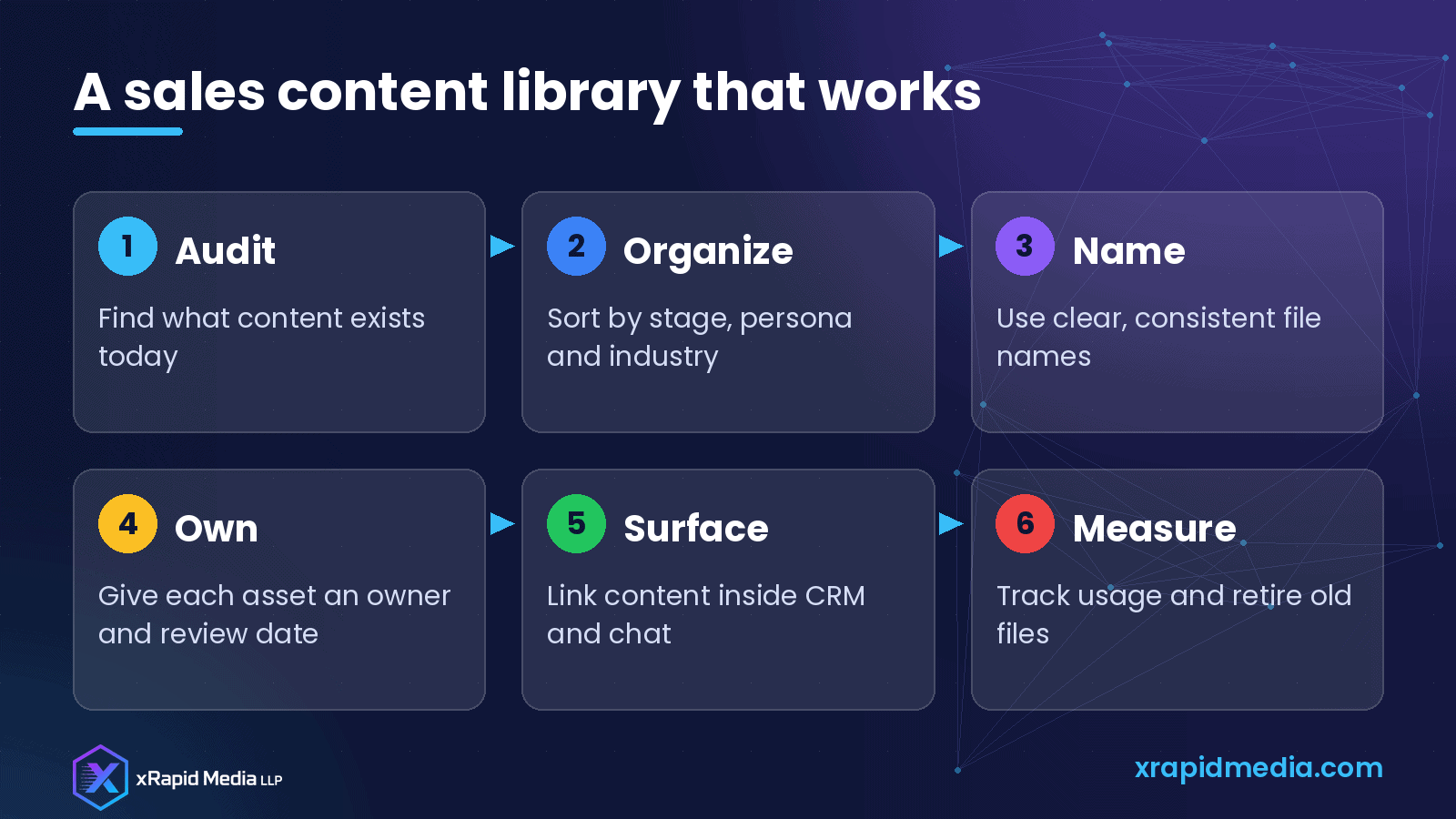
Use clear, consistent names
File names matter more than people think. A simple pattern makes search much easier, for example: “Case Study – Healthcare – Cloud Backup – 2026.” Avoid version numbers and words like “final” in file names. Keep only the current version in the main library and archive older ones.
Give every asset an owner
Content goes stale fast in tech. Products change, pricing changes and customer stories get old. Assign an owner to each important asset and set a review date. When a product update ships, owners should check which content needs to change.
Mark clearly which assets are approved for external sharing and which are internal only. This avoids reps sending internal notes to prospects by mistake.
Put content where reps work
Reps spend their days in the CRM, email and team chat. The best libraries meet them there:
- Link key assets directly from CRM opportunity stages
- Pin a short “most used content” list in your sales chat channel
- Create email templates that already include the right links
- Share a weekly or monthly note about new and updated content
The fewer clicks it takes to find something, the more likely it gets used.
Keep it small and current
A huge library can be as hard to use as a messy one. Focus on quality over quantity. It’s better to have one excellent case study per key industry than ten weak ones. Retire content that nobody uses or that no longer reflects your product.
Ask reps what’s missing
Your sales team knows which questions they can’t answer well. Ask them regularly:
- What do prospects ask for that we don’t have?
- Which assets do you send most often?
- What content do you avoid, and why?
Their answers should shape your content plan. This also builds trust between sales and marketing.
Measure usage
If your tools support it, track which assets are shared most, which get opened by prospects and which appear in deals that close. Even without advanced tools, a quick monthly check of file views and rep feedback tells you a lot.
Use that information to update popular assets, improve weak ones and remove what nobody uses.
Common mistakes
- Storing content in too many places
- Organizing only by content type
- Keeping several versions of the same asset
- Never reviewing or retiring old files
- Creating content without asking sales what they need
Help reps spend more time selling
A clean, well-organized content library saves reps time, keeps your messaging consistent and helps buyers get useful information at the right moment.
At xRapid Media LLP, we help B2B tech companies create positioning, case studies, sales collateral and campaigns that support the whole sales cycle. If your sales content needs a refresh, book a free B2B marketing consultation with our team.
About xRapid Media
xRapid Media LLP is a High Tech B2B Marketing company for technology businesses: software and SaaS companies, IT services and managed service providers, and hardware and IT product vendors. Our team combines positioning and content, account-based marketing, paid ads funnels, verified B2B data, intent signals, email and LinkedIn outreach and appointment setting to help you reach the right buyers and turn their attention into qualified leads and meetings.
Want help putting ideas like these into practice? Email [email protected] or book a time with our team.