
 WINDOWS SOFTWARE
xRapid Disk Explorer
Explore disks, memory cards, USB drives and disk images safely, without changing a single byte.
Download for Windows(2.4 MB)Download the full-function 7-day trial of the software
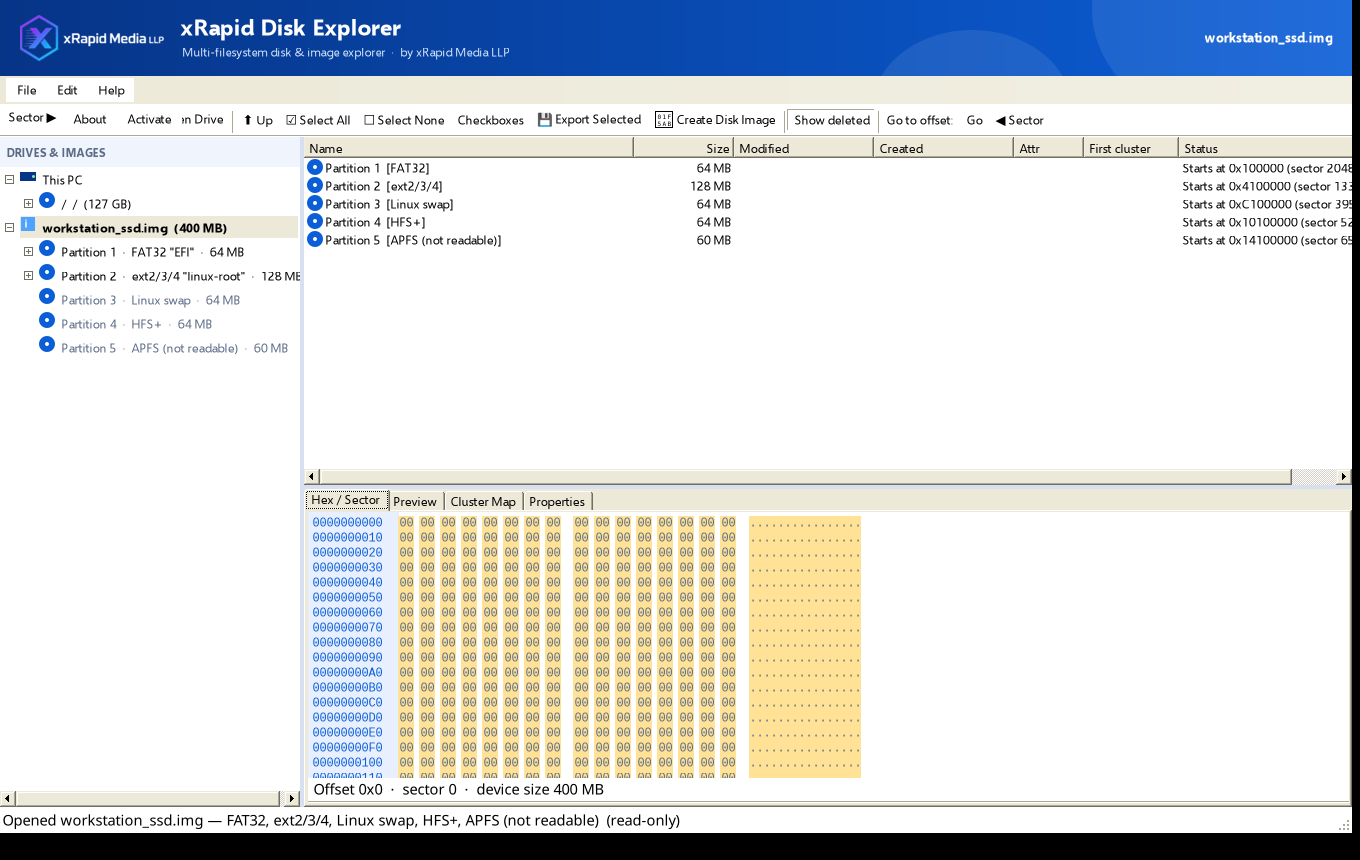

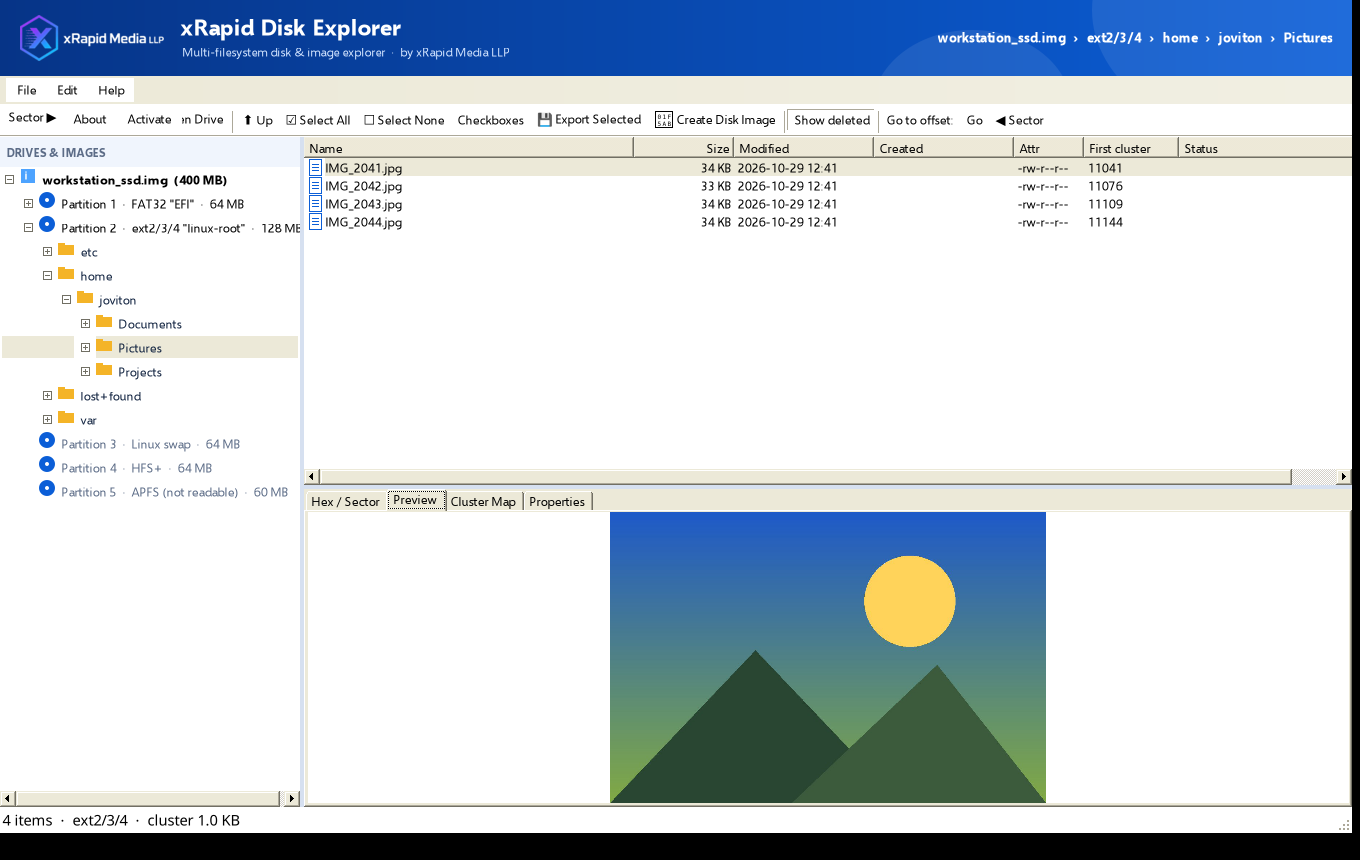
xRapid Disk Explorer 1.1 from xRapid Media LLP lets you browse folders, preview files, see deleted entries, inspect raw sectors, export files and create disk images.
Screenshots
Features
Read-only by designThe app never writes to the source drive or image.
Many sourcesPhysical disks, drive letters, and disk images (.img, .dd, .raw, .bin, .iso, .ima, .001 and fixed .vhd).
Partition layoutsMBR (including logical partitions), GPT, unpartitioned memory cards, and CD/DVD ISO.
File systemsBrowse and export FAT12, FAT16, FAT32, exFAT, NTFS, ISO9660 with Joliet, and ext2/ext3/ext4.
Deleted filesSee deleted FAT, exFAT and NTFS entries, shown in red, and export them.
Hex and sector viewInspect raw sectors and jump to any offset or sector.
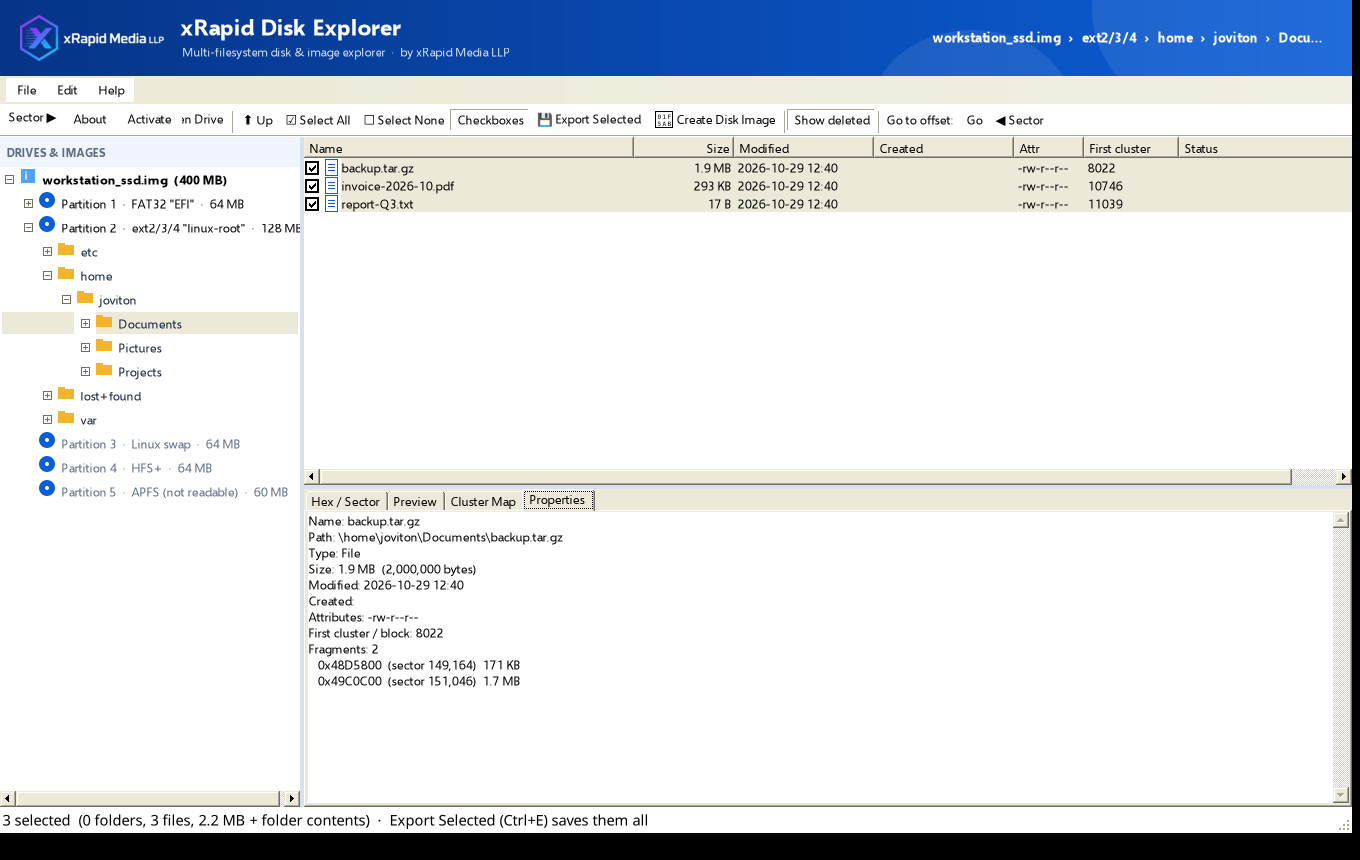
Preview and cluster mapPreview images and text, view the cluster map, and check file fragments.
Export selectedExport files and folders with their structure and dates kept. It never overwrites and refuses to save onto the source drive.
Create disk imagesImage a whole drive or a single partition, with a .sha256 checksum file.
Requirements
Windows with .NET Framework 4.8 (built into Windows 10 and 11). Reading physical drives and memory cards needs Administrator rights; disk images do not.
Current limits
HFS+ and APFS are detected only, and ReFS, Btrfs, XFS, VMDK, VHDX, E01 and encrypted (BitLocker/EFS) data are not supported yet. Fragmented deleted files may come back partly.
Want xRapid Disk Explorer?
Contact us for download and licensing details.
Download for Windows(2.4 MB)Download the full-function 7-day trial of the software