
We’ve all been there. You call a business, a recorded voice reads out nine options, none of them fit, and pressing zero sends you back to the start. By the time someone answers, you’re already annoyed. For the business, that frustration can mean lost sales and unhappy customers before the conversation even begins.
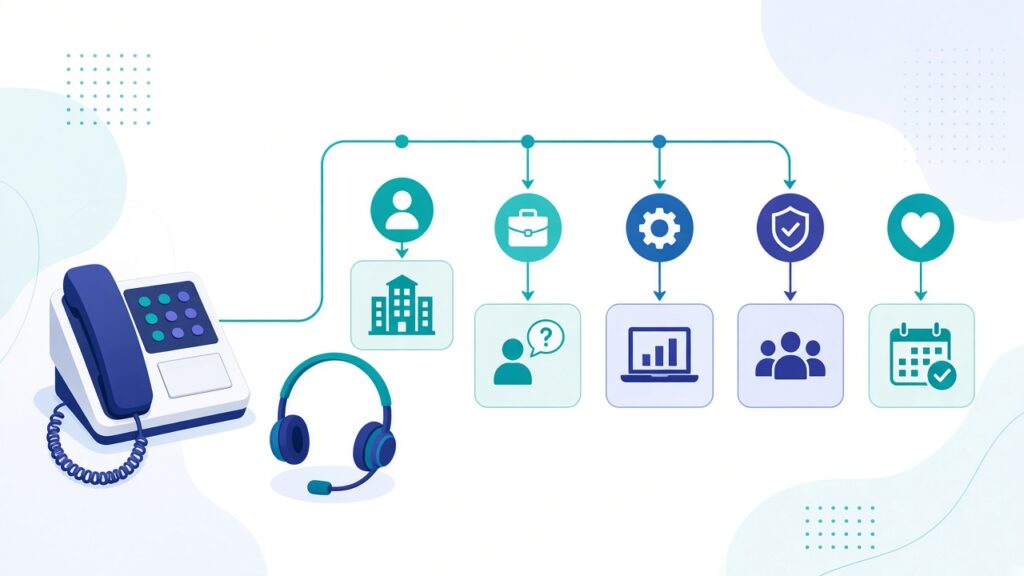
An IVR, short for interactive voice response, is the automated menu that greets callers and routes them. Modern VoIP phone systems make setting one up much easier than it used to be. Done well, an IVR saves time for both callers and your team. Here’s how we approach it.
Start with why people call
Before writing a single menu option, find out why people actually ring you. Ask your team who answers the phone, or review call logs if your system records call reasons. You’ll usually find that a handful of reasons account for most calls, such as new enquiries, support for existing customers, billing questions and appointment changes.
Your menu should be built around those real reasons, described in the words customers use, not internal department names.
Keep the main menu short
Callers have to remember every option while they listen. The fewer choices, the easier that is. As a general guide, we aim for around three to five options on the main menu. If you need more, it’s usually a sign that some options can be combined or moved into a second level.
Put the most common reason first. If most callers are new customers asking about services, don’t make them wait until option five.
Keep the greeting brief
Long welcome messages are one of the biggest sources of frustration. Skip the lengthy company history and get to the point. Something like:
“Thanks for calling [your business name]. For new projects, press 1. For support with an existing service, press 2. For billing, press 3. To speak to our team, press 0.”
That’s quick, clear and gives people a way out.
Always offer a way to reach a person
Some callers have unusual questions, and some simply prefer to talk to someone. Make it easy. Mention the option to reach a person in the main menu, and make sure that option actually connects to someone or to a monitored voicemail, not to another loop.
Limit the number of levels
Every extra layer of menus adds time and the chance of a wrong turn. Try to keep it to two levels at most. If a caller presses 2 for support, a second short menu might split that into technical issues and account questions, and then route them to the right team.
Use business hours and holiday routing
A good VoIP system can follow your schedule automatically. During business hours, calls go to your team. After hours, callers can hear your opening times, leave a voicemail or be routed to an on-call number if you offer urgent support. Set up holiday schedules in advance so callers aren’t left ringing an empty office during festivals or public holidays.
Handle queues thoughtfully
If calls wait in a queue, small touches help:
- Tell callers roughly where they are in line, if your system supports it
- Offer a callback option so they don’t need to stay on hold
- Use pleasant hold music at a comfortable volume
- Share genuinely useful information, like your website address for common questions, rather than repetitive adverts
Record it professionally and consistently
The voice behind your menu shapes the first impression of your business. Use a clear, calm recording, either a team member with a good voice and a quiet room or a professional voice artist. Some systems offer text-to-speech, which can work well for quick updates, but make sure it sounds natural. If you serve customers in more than one language, consider offering a language choice at the very start.
Connect it to your other tools
Many VoIP platforms can link with your CRM, helpdesk or calendar. That allows features like showing the caller’s details to your team before they answer, logging calls automatically against customer records or letting callers confirm appointments without speaking to anyone. These integrations turn your phone system from a simple switchboard into part of your customer service workflow.
Test it like a customer
Before going live, call your own number from a mobile phone and try every option. Check that each one goes where it should, listen to how long each step takes and make sure nothing leads to a dead end. Ask a friend or family member to try it too, since a fresh set of ears often spots confusing wording.
Review and improve regularly
Your business changes, and your IVR should keep up. Every few months, look at your call reports. Which options are used most? Where do callers hang up? Do lots of people press zero right away? These patterns tell you where the menu needs tweaking.
Conclusion
A well-designed phone menu respects your callers’ time. Build it around real reasons people call, keep the options short and clear, always offer a route to a person and test it regularly. When it works well, callers barely notice it, which is exactly the point.
Growing an IT business? xRapid Media LLP is a High Tech B2B Marketing company. We help VoIP, UCaaS and communication providers find and engage the right B2B buyers through data-driven prospecting, verified contact data, account-based campaigns, email and LinkedIn outreach and appointment setting. Call +91 9767196309, email [email protected] or book a free B2B marketing consultation.