
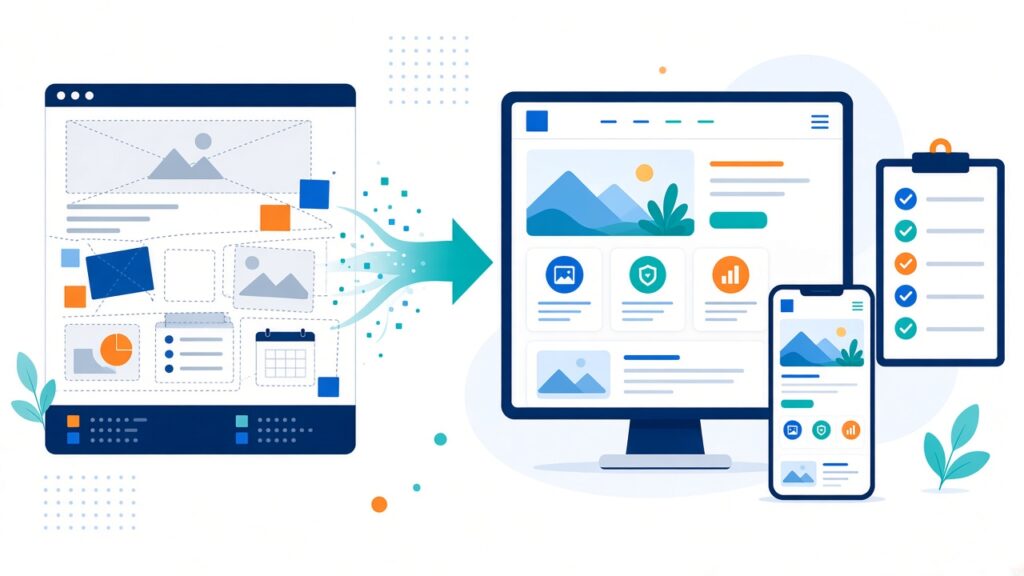
Sooner or later, every business looks at its website and thinks, “It’s time.” Maybe the design feels dated, the site is hard to update, or it simply doesn’t reflect what the business has become. A redesign can be a real turning point. But we’ve also seen redesigns that looked beautiful and still lost traffic, broke forms and confused loyal customers.
The difference is almost always planning. Here’s the checklist our team works through before we touch a single design file.
1. Be clear about why you’re redesigning
“It looks old” is a valid feeling, but it isn’t a goal. Before anything else, write down what you want the new site to achieve. Common goals include:
- Getting more enquiries or bookings
- Making the site easier for your team to update
- Improving how the site works on mobile phones
- Presenting new services or a new brand direction
- Making the site faster
Pick two or three priorities. They’ll guide every decision that follows, from layout to the platform you choose.
2. Look at what’s working today
Your current site isn’t all bad, even if it feels that way. Open your analytics and note which pages get the most visits, which ones bring in enquiries and which search terms send people to you. Those pages have earned trust with visitors and search engines. A redesign should protect and improve them, not quietly delete them.
It also helps to ask a few real customers what they use the site for. You may find that the page you think is minor is the one people rely on most.
3. Take a full content inventory
List every page on the current site, along with blog posts, downloadable files and landing pages. For each one decide: keep as is, update, merge with another page or remove. This sounds tedious, and it is a bit, but it prevents the classic redesign problem of discovering months later that an important page simply vanished.
4. Plan your redirects early
When page addresses change, old links from Google, social media and other websites need to point to the new locations. That’s done with 301 redirects. Without them, visitors land on “page not found” errors and the search visibility those pages built up can drop.
We create a simple spreadsheet mapping every old address to its new one before launch. It’s one of the most important and most overlooked steps in any redesign.
5. Design for mobile first
For many businesses, a large share of visitors arrive on a phone. Check your own analytics to see the split. Then plan layouts, menus and forms around a small screen first and expand to desktop from there. Buttons should be easy to tap, text easy to read without zooming, and key actions like calling or booking should be reachable within a thumb’s reach.
6. Map the journeys that matter
Think about the main reasons people visit and sketch the path for each. Someone looking for pricing, someone wanting to book a consultation and someone checking your location all need different routes. The fewer clicks between landing on the site and taking action, the better. Every page should make the next step obvious.
7. Choose the right platform
The platform should fit how your team works. If you want to edit pages yourself, a content management system like WordPress with a well-built theme is often a good fit. If you need complex features such as customer portals or custom booking logic, you may need custom development. Think about who will maintain the site, how often content changes and what integrations you need, such as payment gateways, CRM or email marketing.
8. Don’t forget speed and accessibility
A new design is the perfect moment to fix performance. Plan for compressed images, lightweight fonts, minimal plugins and good hosting. Accessibility matters too: readable colour contrast, descriptive alt text on images, clear headings and forms that work with a keyboard. These choices help every visitor, not just people using assistive technology.
9. Test everything before launch
Set up the new site on a staging environment, a private copy visitors can’t see, and test it thoroughly:
- Submit every form and confirm the messages arrive
- Check pages on different phones and browsers
- Click through menus and footer links
- Test the redirects from your spreadsheet
- Confirm analytics and tracking are installed
10. Watch closely after launch
Launch day isn’t the finish line. For the first few weeks, keep an eye on traffic, search console errors, form submissions and page speed. Small issues are easy to fix when you catch them early. We also recommend collecting feedback from your team and a few customers so you can refine things quickly.
Conclusion
A redesign is a chance to make your website work much harder for your business, but only if you plan it carefully. Set clear goals, protect what’s already working, map your redirects and test before you launch. Do that, and your new site will feel fresh without losing the ground you’ve already gained.
Growing an IT business? xRapid Media LLP is a High Tech B2B Marketing company. We help web development agencies and SaaS companies find and engage the right B2B buyers through data-driven prospecting, verified contact data, account-based campaigns, email and LinkedIn outreach and appointment setting. Call +91 9767196309, email [email protected] or book a free B2B marketing consultation.